Getting started as Administrative Staff
A 10-minute path: sign in, secure your account, find open enquiries and capture your first enquiry.
Last updated 2026-10-03
Sign in (minute 0). Type your email address or username in Email or username and the six-digit temporary PIN in PIN, then press Sign in.
Choose your own PIN (minute 1). On Choose your sign-in PIN, type the temporary PIN in Temporary PIN, then six digits of your own in New PIN and Confirm new PIN, and press Set PIN. Avoid runs such as 123456, repeated digits and dates people could guess.
Turn on your second sign-in step (minutes 2 to 4). Account menu, Profile and sessions, Sign-in security. Press Add a passkey or Add an authenticator app, save your recovery codes with Copy codes or Print codes, then press I have saved them.
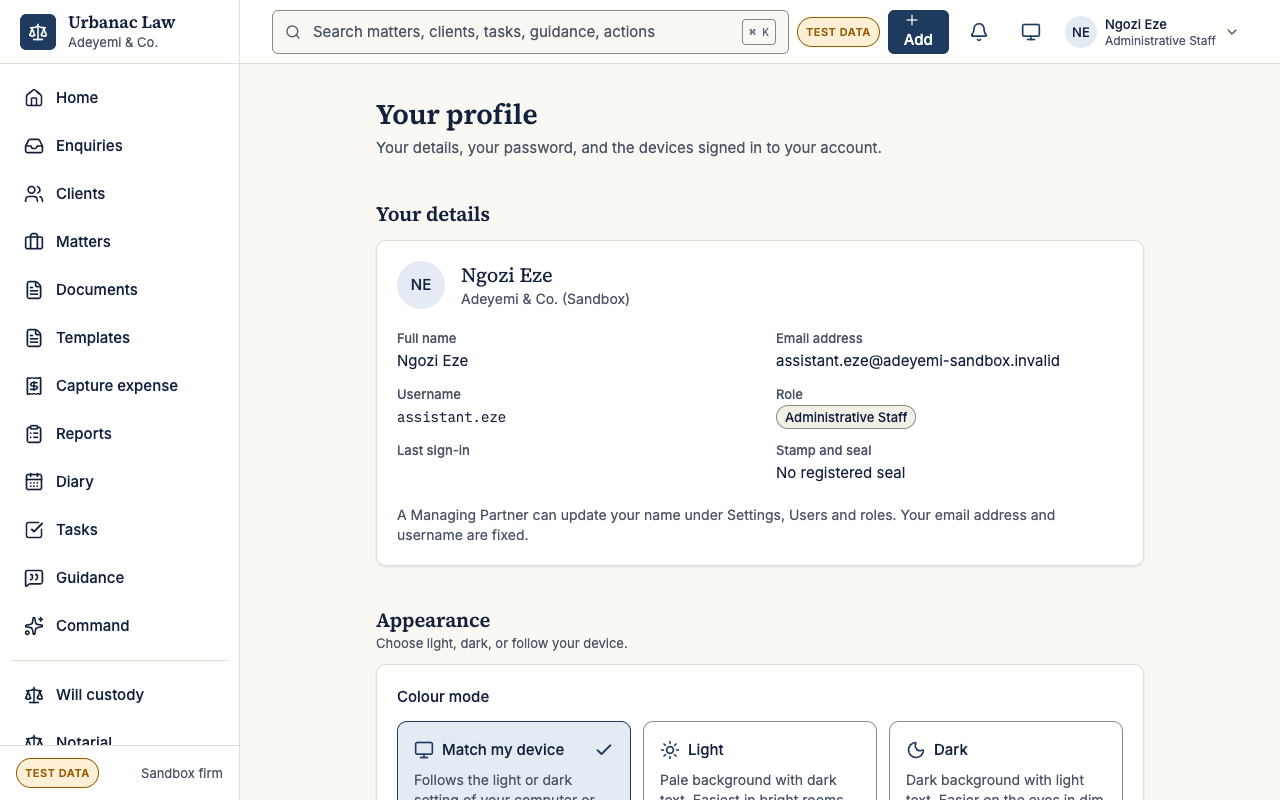
Sign-in security on the Profile page Find your work (minutes 5 to 6). Press Home. The tile Open enquiries shows what has come in; My tasks and My diary, next 7 days show your own work.
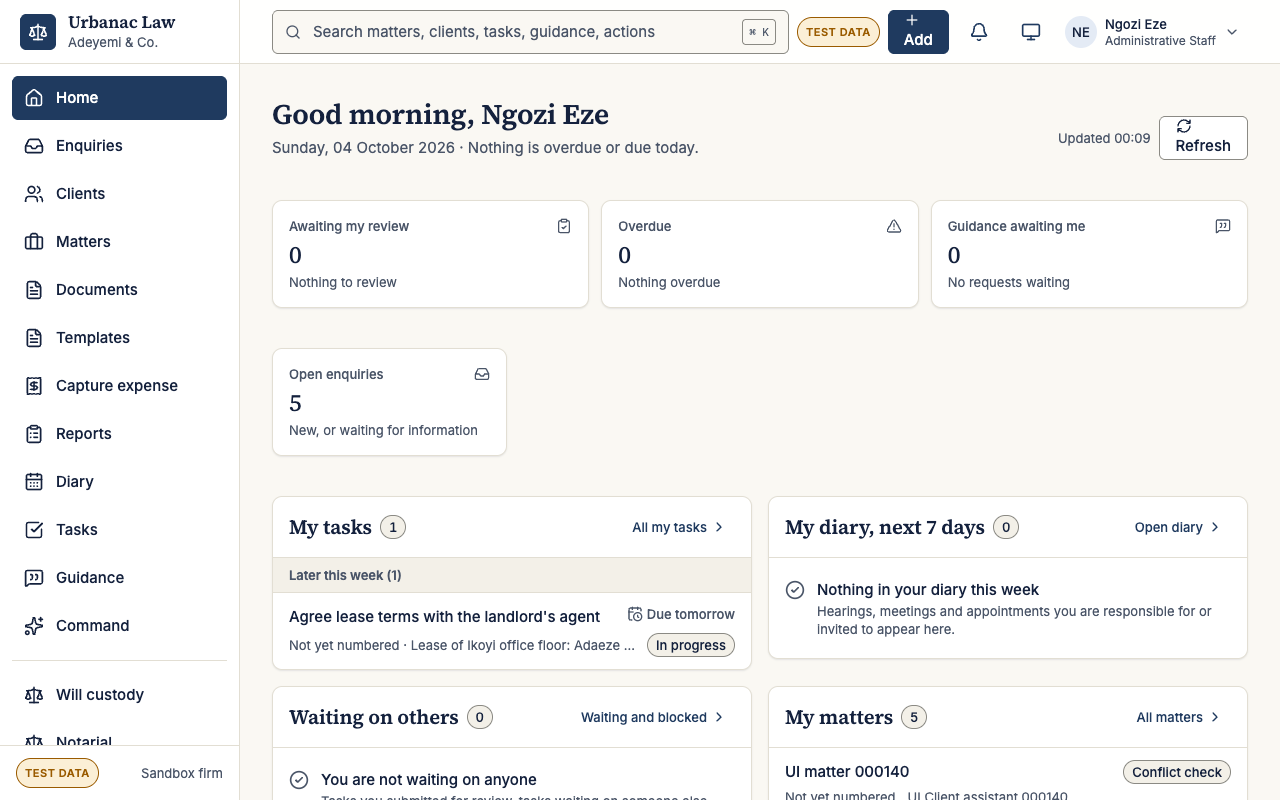
Staff Home for Administrative Staff Capture your first enquiry (minutes 7 to 9). Press Add at the top, choose New enquiry, fill in the person's details and what they need, and save. Open Enquiries to see it in the list and move it along. Then open Clients to check whether the person already has a record before you create a new one. See Enquiries and Clients.
Run a conflict search (minute 10). From the enquiry, start the conflict search. You can read the hits, but a partner decides them. See Conflicts.
Next: Administrative Staff role page, Diary and deadlines, Tasks.
Something unclear or out of date? Tell your Operations Administrator, or go back to the manual home.