Getting started as an Auditor
A 10-minute path: sign in, secure your account, verify the audit log and export it.
Last updated 2026-10-03
Sign in (minute 0). Type your email address or username in Email or username and the six-digit temporary PIN in PIN, then press Sign in.
Choose your own PIN (minute 1). On Choose your sign-in PIN, type the temporary PIN in Temporary PIN, then six digits of your own in New PIN and Confirm new PIN, and press Set PIN. Avoid runs such as 123456, repeated digits and dates people could guess.
Turn on your second sign-in step (minutes 2 to 4). Account menu, Profile and sessions, Sign-in security. Press Add a passkey or Add an authenticator app, save your recovery codes with Copy codes or Print codes, then press I have saved them.
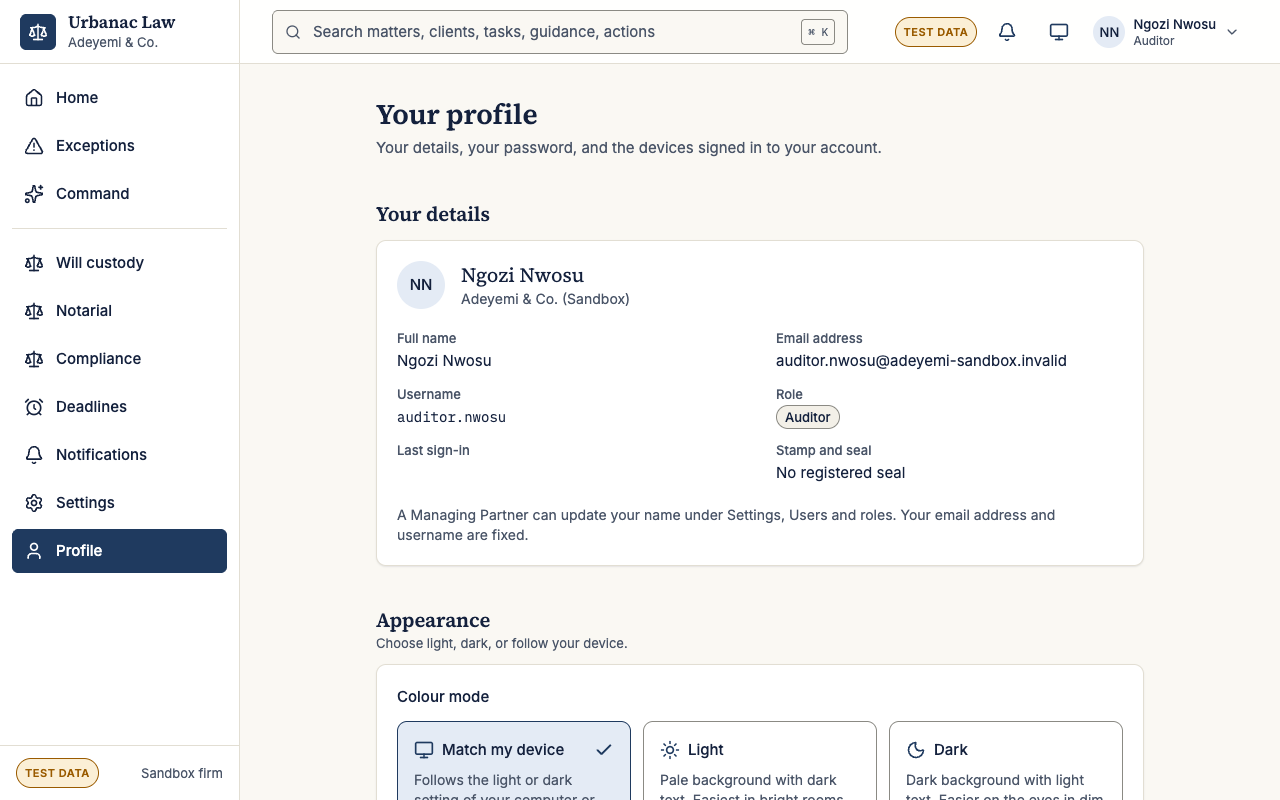
Sign-in security on the Profile page Find your work (minute 5). Your role has no Home dashboard. Open Settings, then Audit log.
Verify the audit log (minutes 6 to 7). Under Check the log has not been tampered with, press Verify chain. A green message Chain verified: nothing has been altered means every entry still matches. A red Mismatch found: the chain does not verify must be reported to the Managing Partner at once.
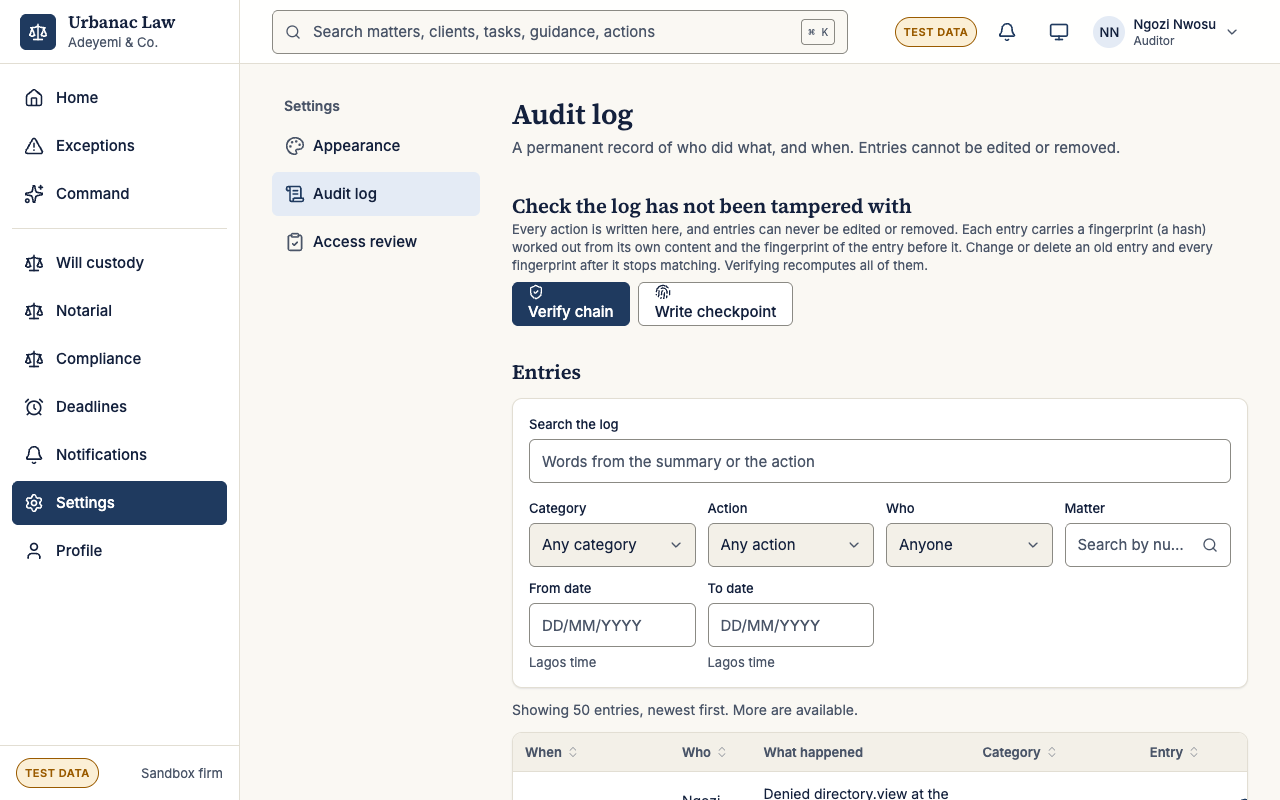
The Audit log with Verify chain Export the audit trail (minutes 8 to 10). Open Exceptions, then the Governance tab, and press Export audit trail. Type your PIN in the Confirm it is you box and press Confirm. A file downloads with a fingerprint you can keep. Check the figures there: Access changes, Role changes, Denied attempts, Document downloads.
Next: Auditor role page, Security and privacy, Reports.
Something unclear or out of date? Tell your Operations Administrator, or go back to the manual home.