Getting started as a Managing Partner
A 10-minute path: sign in, secure your account, set the firm's sign-in rules and add your first colleague.
Last updated 2026-10-03
You will need a browser, your phone, and the six-digit temporary PIN you were given. Allow ten minutes.
Sign in (minute 0). Open the firm's address. Type your email address or username in Email or username and your temporary PIN in PIN, then press Sign in.
Choose your sign-in PIN (minute 1). The page Choose your sign-in PIN opens. Type the temporary PIN in Temporary PIN, then six digits of your own in New PIN and Confirm new PIN, and press Set PIN. From now on you sign in with your email address and this PIN; the temporary PIN no longer works. Avoid runs such as 123456, repeated digits and dates people could guess.
Turn on your second sign-in step (minutes 2 to 4). Open the account menu and choose Profile and sessions, then find Sign-in security. Press Add a passkey (Face ID, fingerprint or screen lock) or Add an authenticator app. When Save your recovery codes opens, press Copy codes or Print codes, store them safely, and press I have saved them.
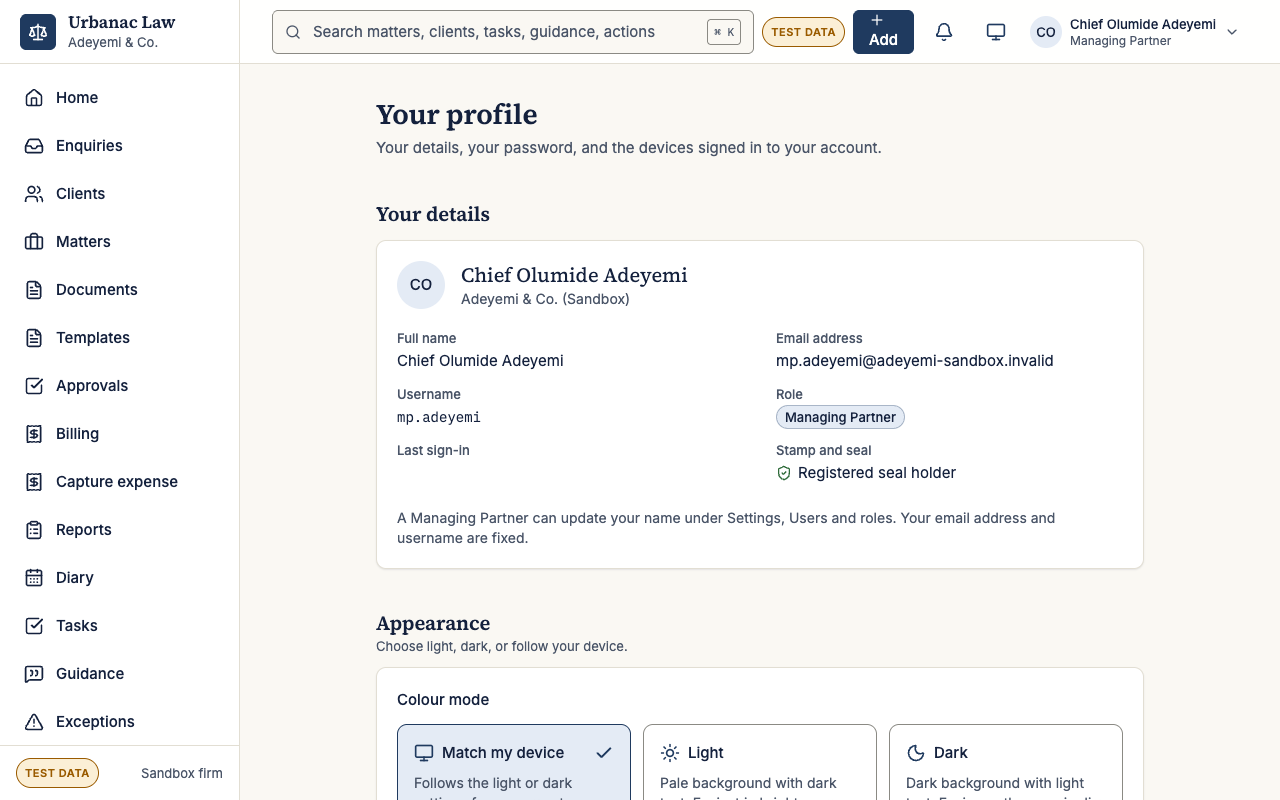
Sign-in security on the Profile page Set the firm's rules (minutes 5 to 6). Open Settings, then Sign-in security. Switch on Ask everyone for a second step after the PIN when your team is ready, and keep the ways to confirm you want (Passkey (Face ID, fingerprint or device lock), Authenticator app code, Email a code). Press Save changes. You will be asked for your PIN: type it and press Confirm. See Sign-in and two-factor.
Add your first colleague (minutes 7 to 9). Open Settings, then Users and roles, and press Add user. Fill in Full name, Email address, Username and Role, then press Add user. A window titled User created shows a six-digit temporary PIN once. Press Copy PIN, tick I have copied the PIN and will pass it on securely., and press Done. Hand the PIN over in person or by phone, not by email or a group chat. It works for 72 hours and only lets your colleague choose their own PIN.
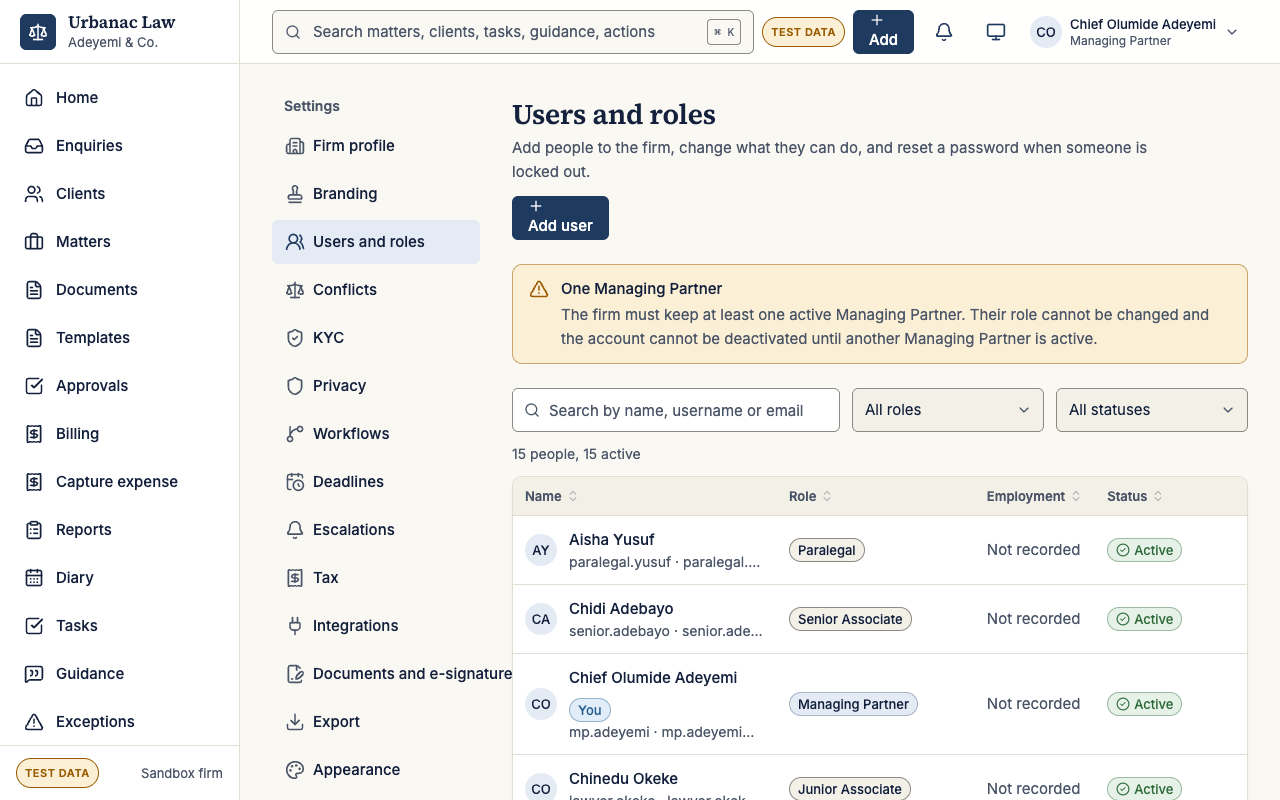
The Users and roles screen Find your work (minute 10). Press Home. Needs your action lists what is waiting for you; the bell at the top right opens your notices. You are set.
Next: Managing Partner role page, Settings and users, Security and privacy.
Something unclear or out of date? Tell your Operations Administrator, or go back to the manual home.